
How it works

Concrete workflows from first search to borrower follow-up.

Each Covenant Desk workflow starts from a real operational trigger, uses scoped borrower data, and ends with a visible action, record, or audit point.

Workflow paths

Seven workflows the demo should cover.

01

Borrower search and credit review

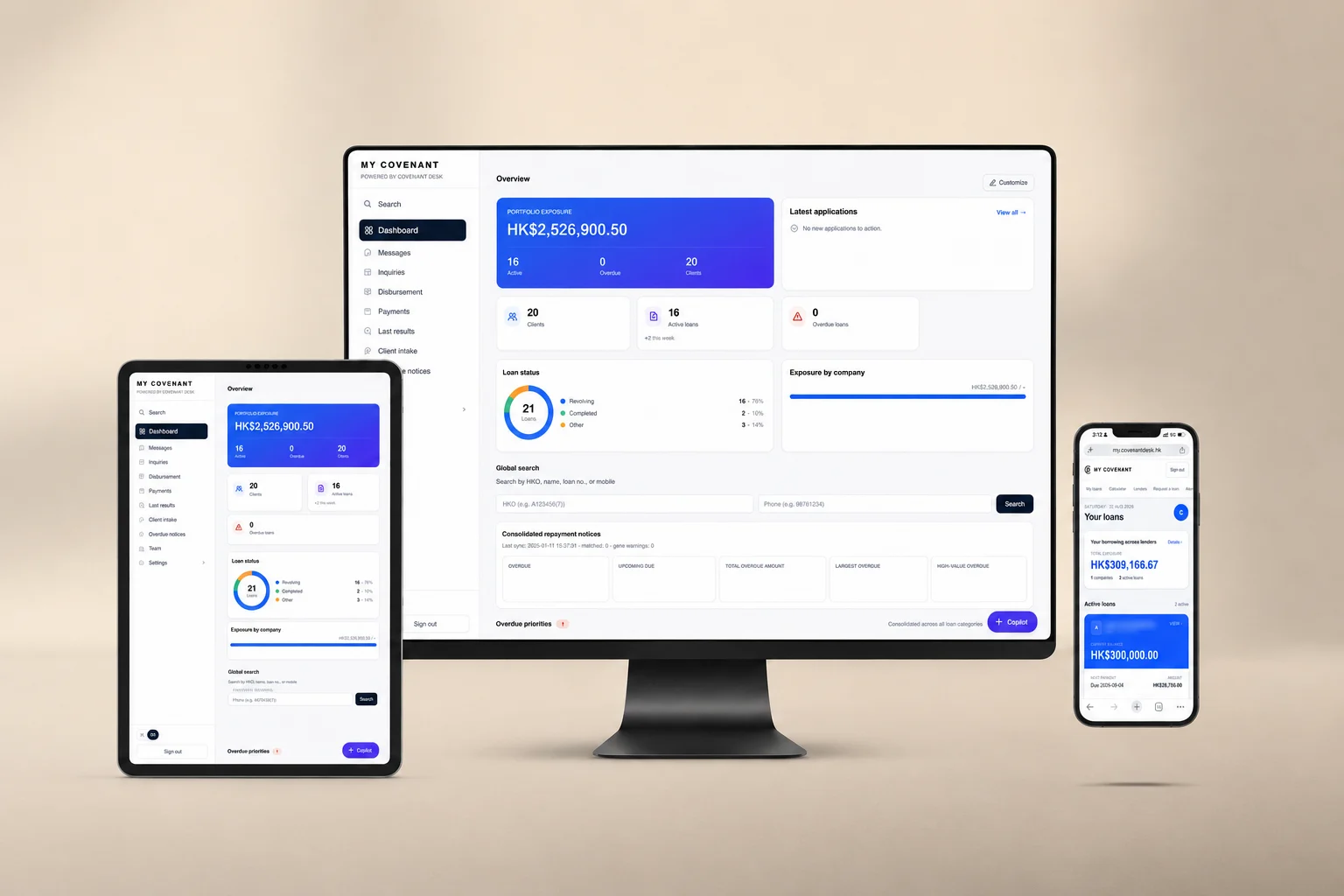
Trigger: a new or returning borrower applies. Actions: staff search HKID/name/mobile/loan number, open Customer 360, review DSR, partakers, credit reference, loan history, and AI support. Output: decision context for human approval or rejection. Control: access scope and lookup audit.
02

Cross-company exposure check

Trigger: a borrower has activity across a lender group. Actions: staff inspect active and total loan counts by company and merged loan history. Output: concentration context before new lending. Control: exact-HKID lookup and company permission rules.

03

Repayment notice follow-up

Trigger: Softmedia overdue or upcoming notice sync. Actions: operations filter notices, sort by priority, click into matched borrower profiles, and log follow-up. Output: coordinated collections queue. Control: match confidence and sync-run history.

04

Borrower FPS repayment

Trigger: borrower opens an instalment. Actions: client app creates a RepaymentIntent, displays FPS QR and reference code, borrower pays in bank app, staff reconcile the received payment. Output: repayment status and audit trail. Control: lender account configuration and reference matching.

05

Intake to live record

Trigger: marketplace request, email, WhatsApp, Excel, phone, or walk-in inquiry. Actions: lead enters the queue, staff correct fields, approve, reject, or request more information. Output: CustomerRecord or rejected lead with reason. Control: selected-lender consent and source metadata.

06

AI-assisted review

Trigger: reviewer needs a summary or portfolio answer. Actions: AI risk summary runs on a profile, or Copilot calls database tools for lookup, risk ranking, overdue notices, and aggregates. Output: review support for staff. Control: human decision boundary and admin-governed edits.

07

Admin and permissions

Trigger: a lender adds users or changes team scope. Actions: admin configures roles, staff levels, company units, data sources, sync jobs, prompts, audit, and reports. Output: controlled operating environment. Control: RBAC matrix and audit logs.

Sanitized Customer 360 workflow preview in the Covenant Desk portal
Decision boundary

The portal organizes work; lender staff decide.

Covenant Desk does not provide loans or make lending decisions. The software gives staff better search, profile, repayment, intake, and AI-assisted context so authorized lender users can apply their own credit policy.

Hong Kong lending software guides

Deeper reference reading for Hong Kong lending teams.

Five in-depth guides covering credit reference data, loan origination, loan servicing, licensed money lender software selection, and Credit Data Smart readiness ahead of the rules effective 1 June 2027. All five are written in Traditional Chinese (zh-HK) for Hong Kong readers.

CRS

Hong Kong credit reference system (CRS) guide

香港信貸資料系統(CRS)指南

How credit reference agencies, Credit Data Smart, loan origination and loan management systems differ — and which borrower record belongs in each.

Free assessment checklist

Licensed lenders

Licensed money lender software buying guide

香港持牌放債人軟件選購指南

A buying guide that works back from Hong Kong licensing conditions, PDPO obligations and audit expectations to the system capabilities you actually need.

Free vendor scorecard

All Hong Kong lending software guides on the Covenant Desk homepage